
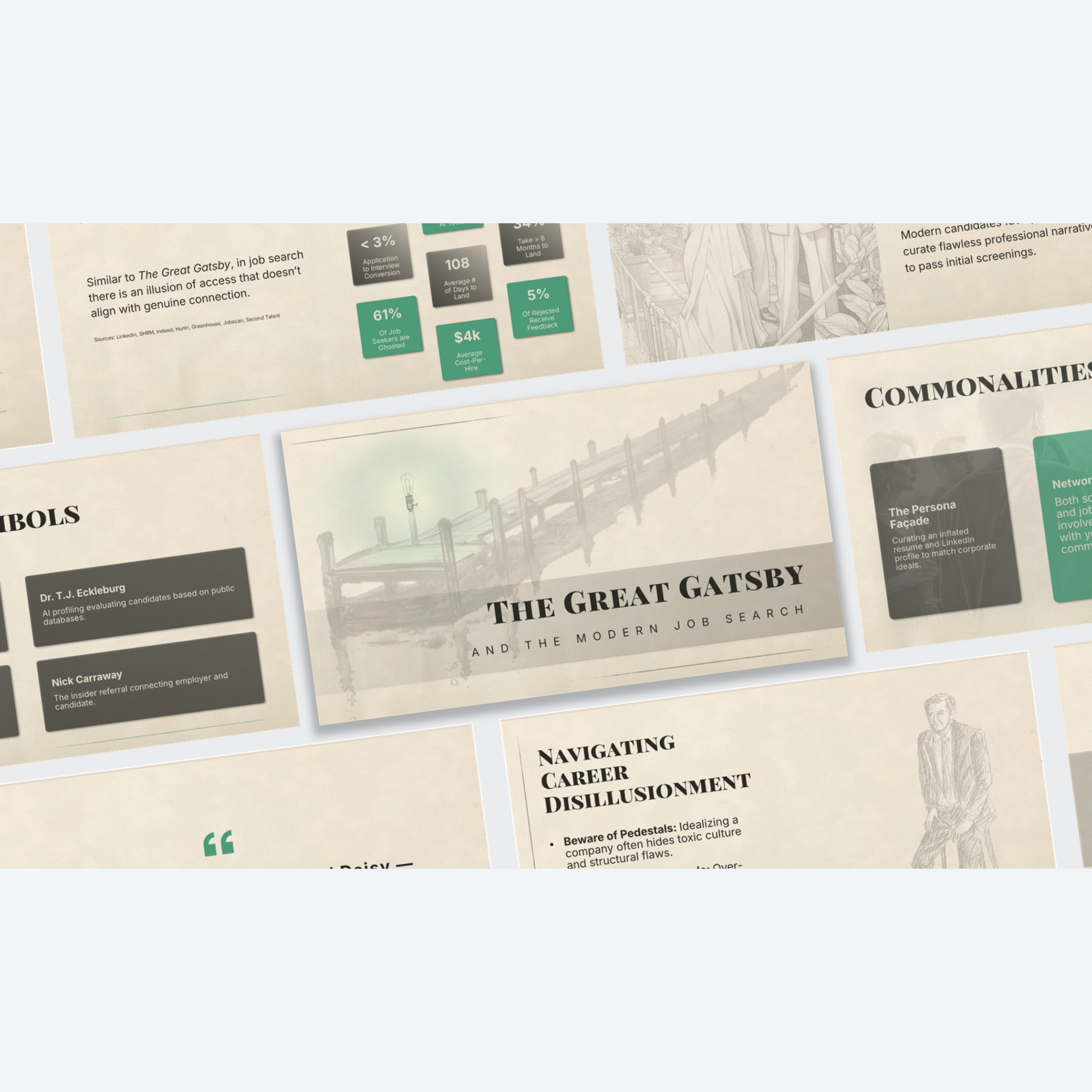

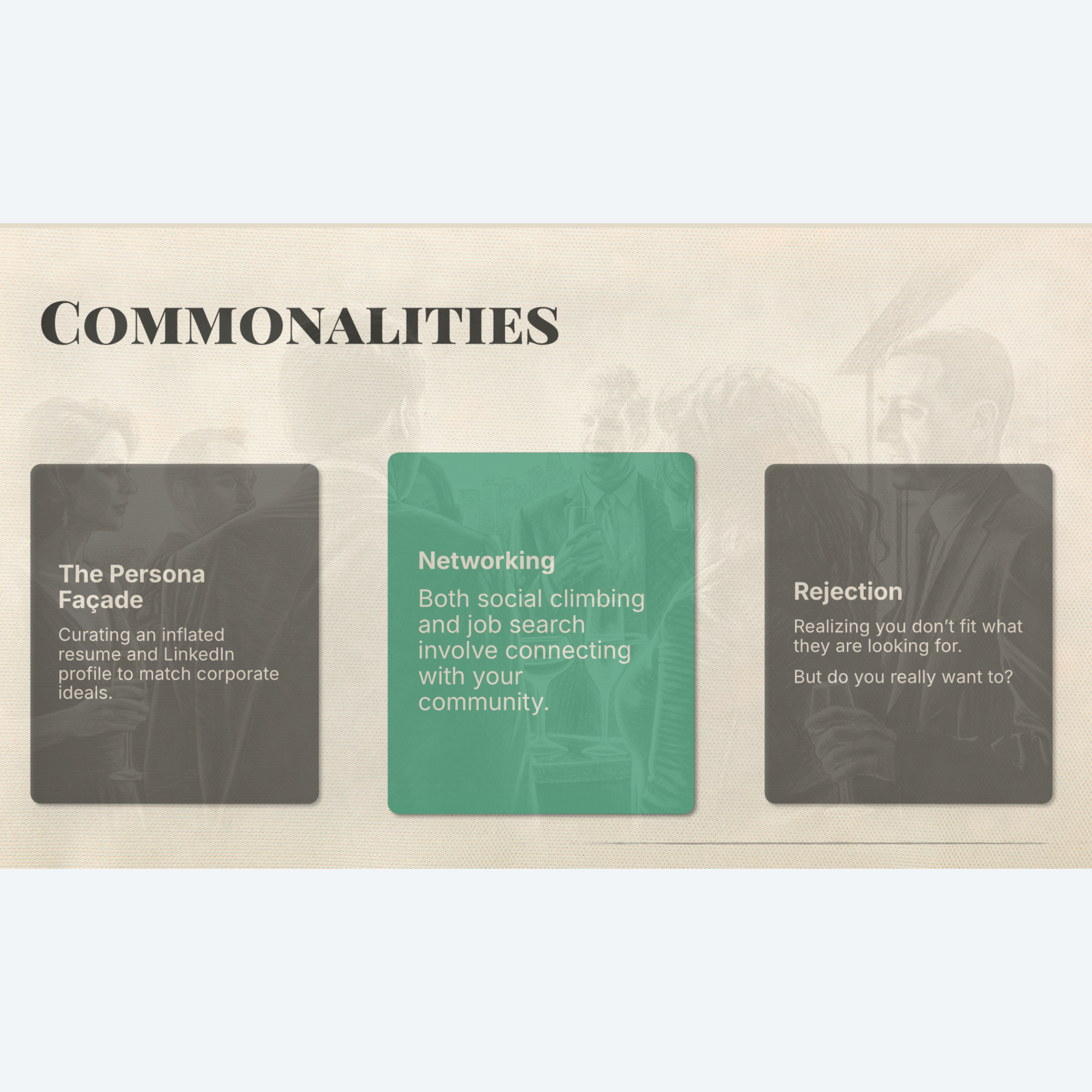


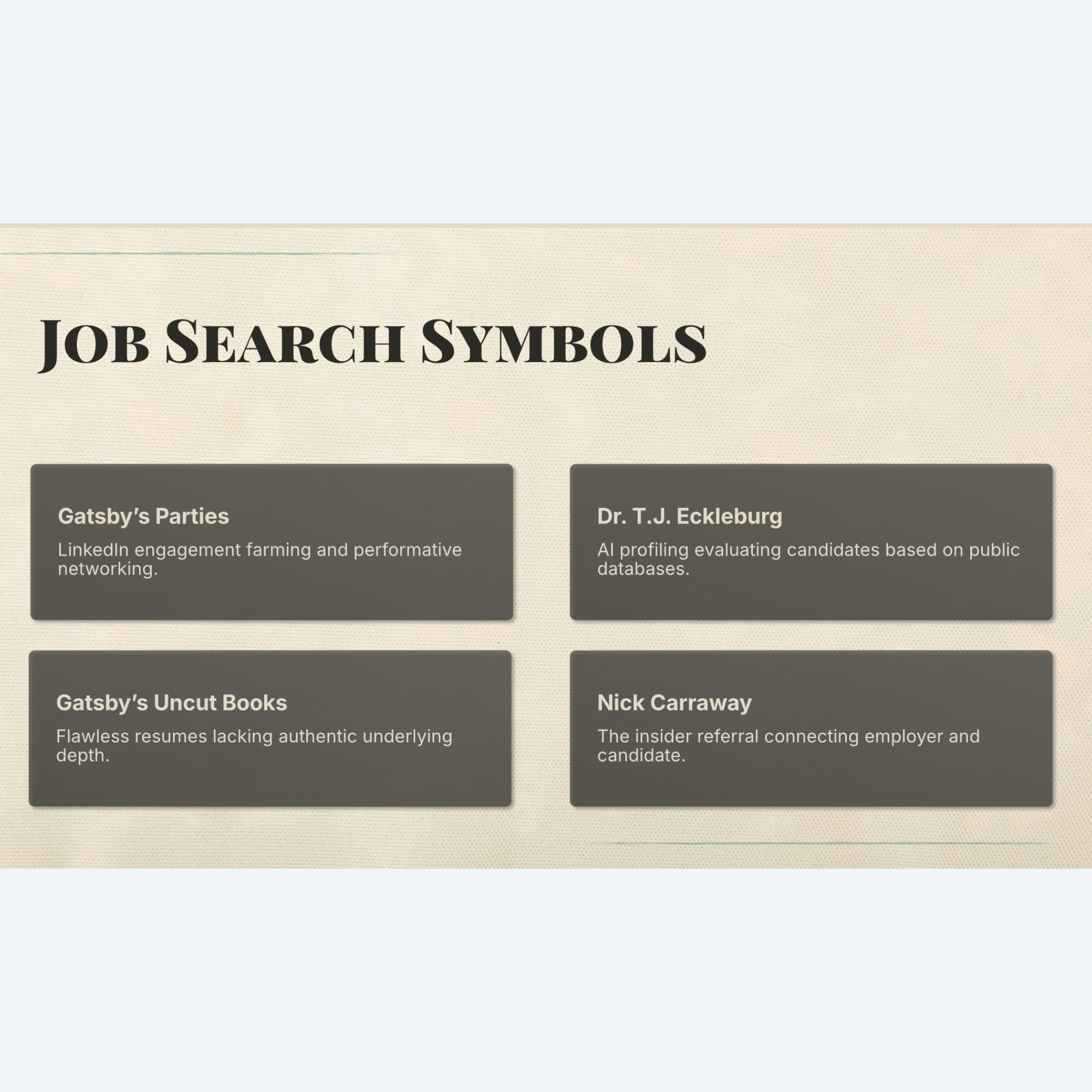






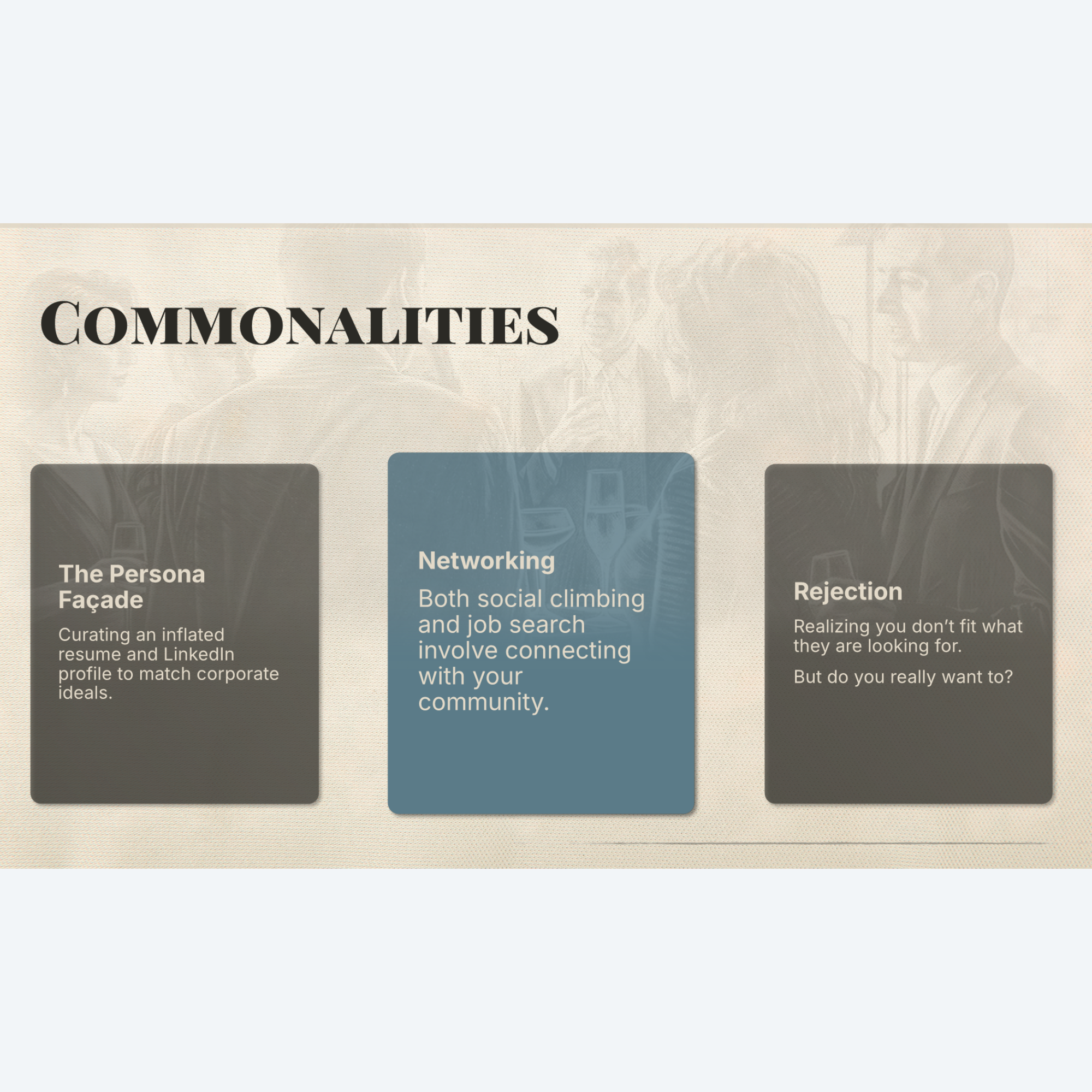

Bring a sophisticated warmth to your next conference presentation, webinar, company update, or pitch deck with the soft, artistic aesthetic of “Sketches”. Designed with an editorial eye, this unique template combines organic hand-drawn sketch art with clean, modern typography to deliver a tactile, high-end experience for your audience.
Key features include:
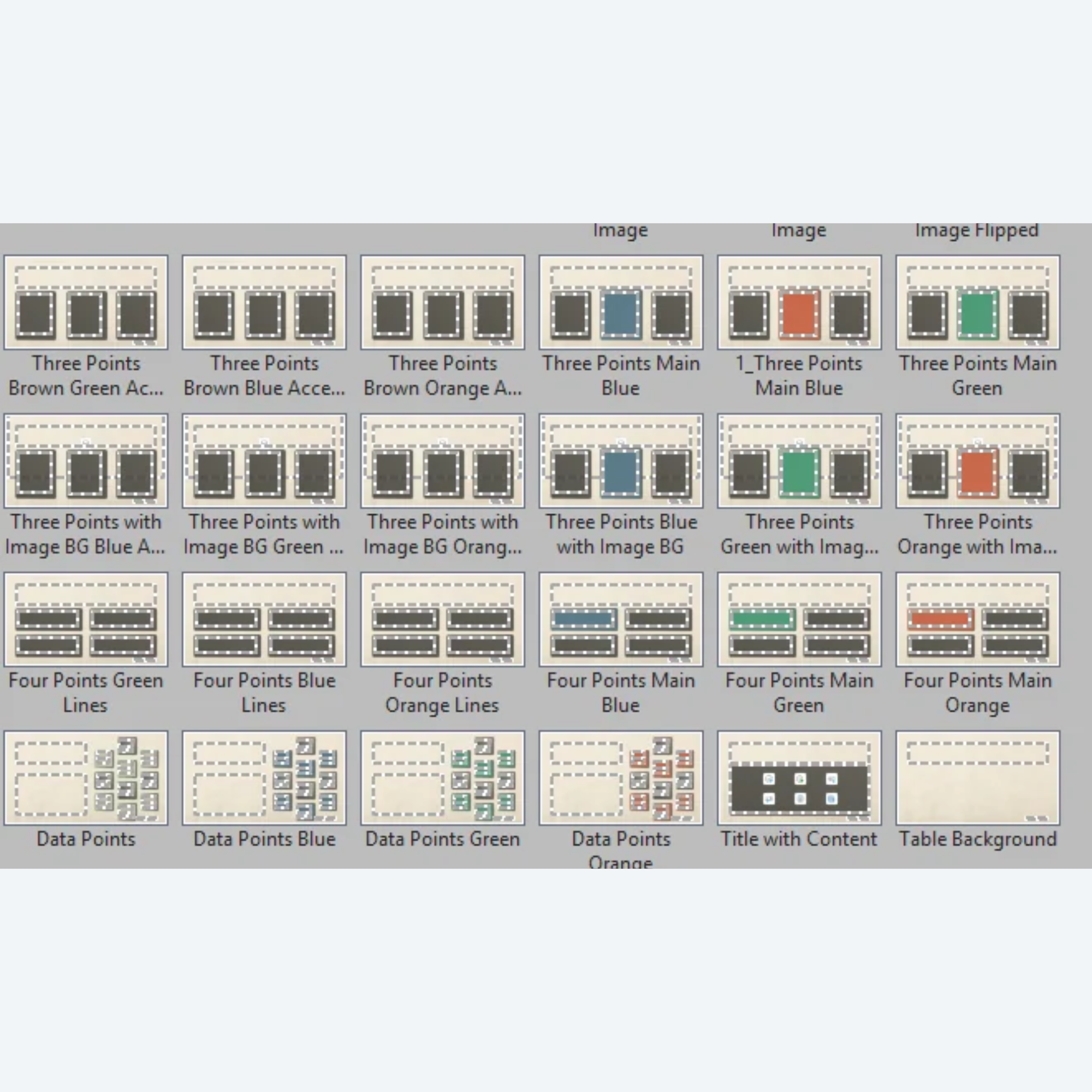
35+ Layouts to Choose From: Numerous options to fit any content narrative without having to design from scratch.
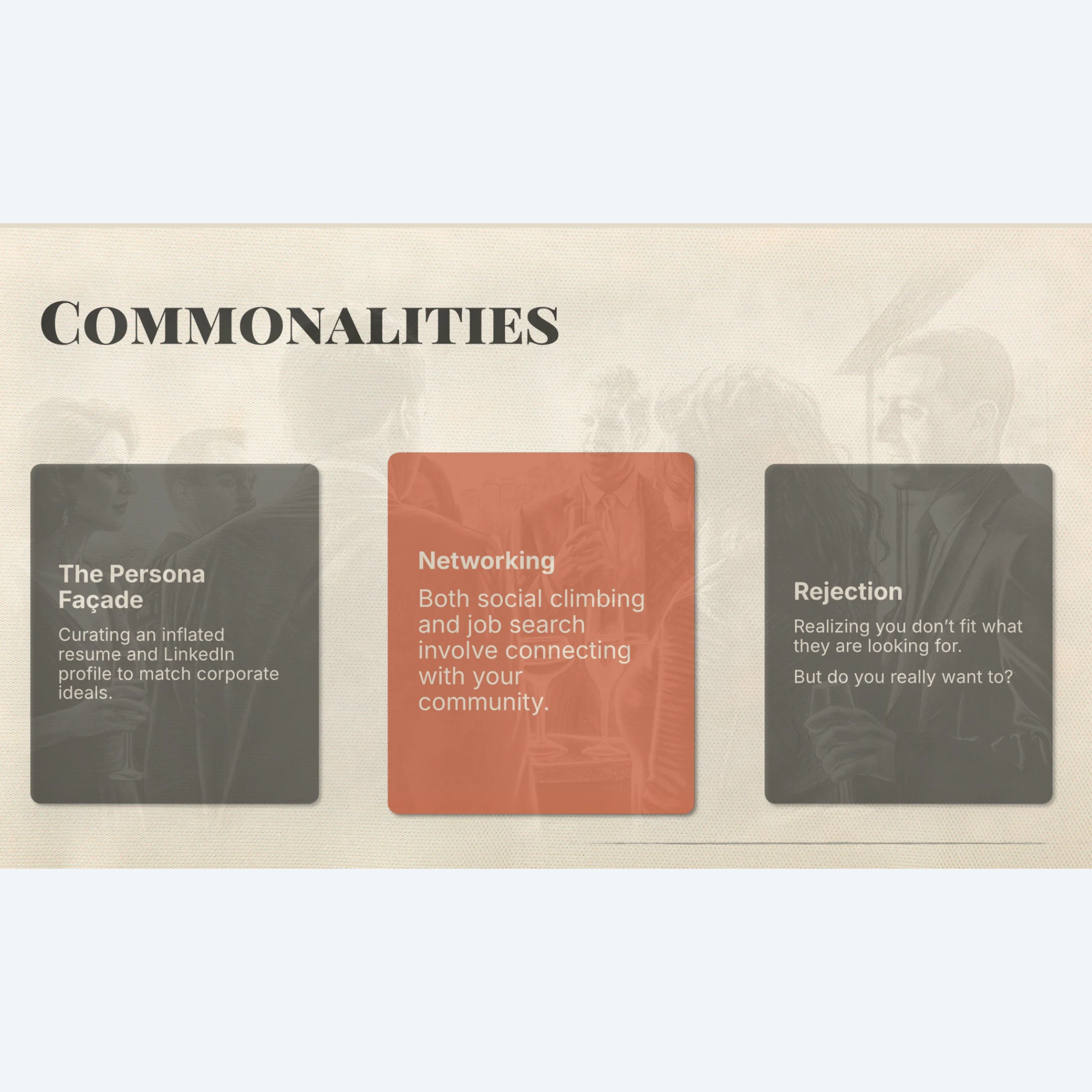
15 Premium Custom Backgrounds: Built on a soft parchment background this template effortlessly showcases delicate charcoal and ink illustrations across 15 different background options.
3 Color Options: Slides are available with your choice of colors, including Graphite Espresso (brown), Jade Beacon (green), Steel Harbor (blue), or Muted Ochre (orange) elements. Mix and match for a bolder, more customized look.
Dedicated Title Slide & Contact Slide Designs: Beginning and ending slides that ground the deck and leave a lasting professional impression.
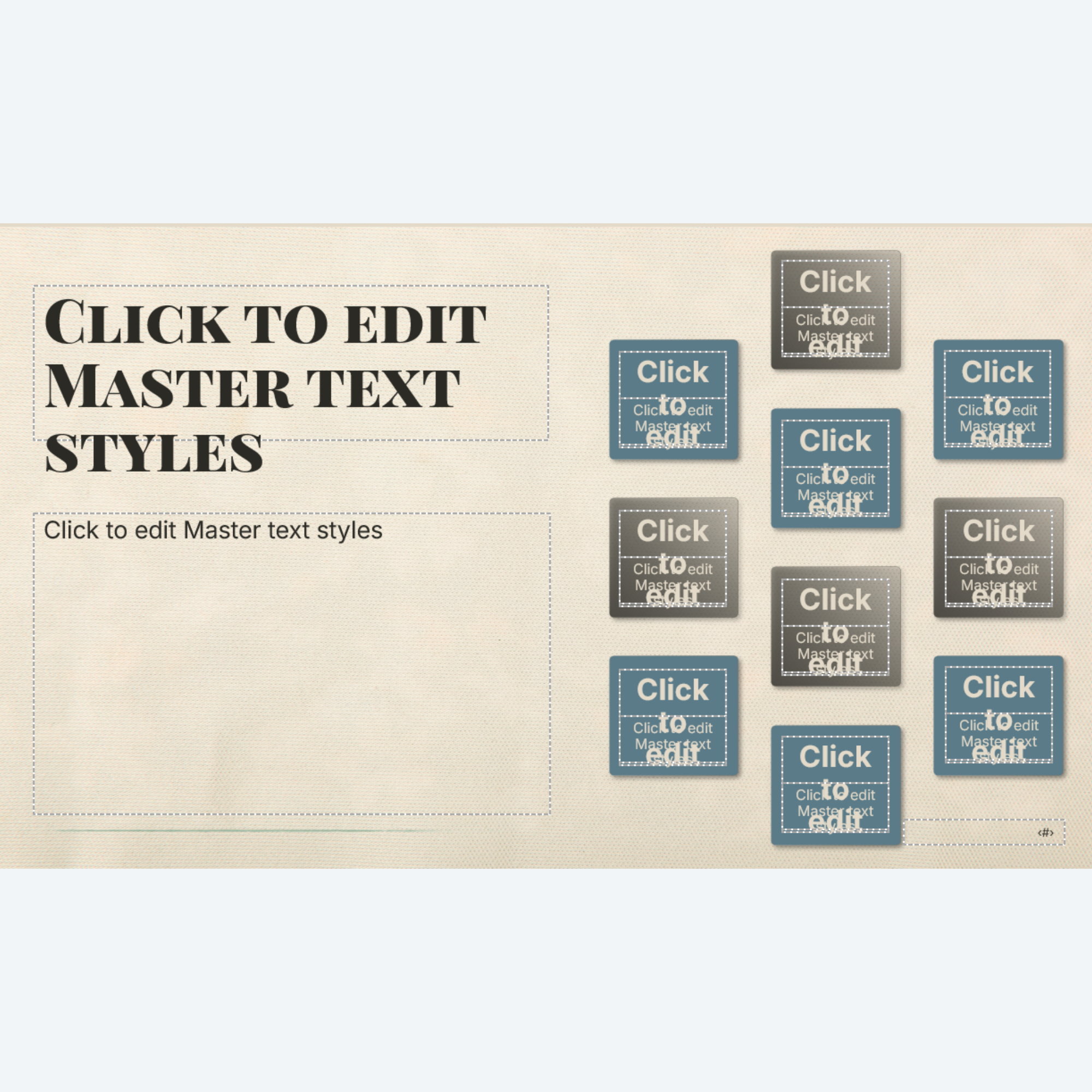
Plug-and-Play: Built using native slide master placeholders so anyone can use this template.
Optional Animations & Transitions Version: Featuring a pre-configured option with subtle, smooth animations and consistent fade transitions to keep your audience engaged, but not distracted.
Format Options: Download includes both .pptx (PowerPoint Presentation) and .potx (PowerPoint Template) formats for safe, repeated team use.
Fully Editable: Access any vector, shape, or text placeholder in the Slide Master view to completely change the element. Adjust colors, fonts, and placeholders as needed.
Extras (found at the end of the deck):
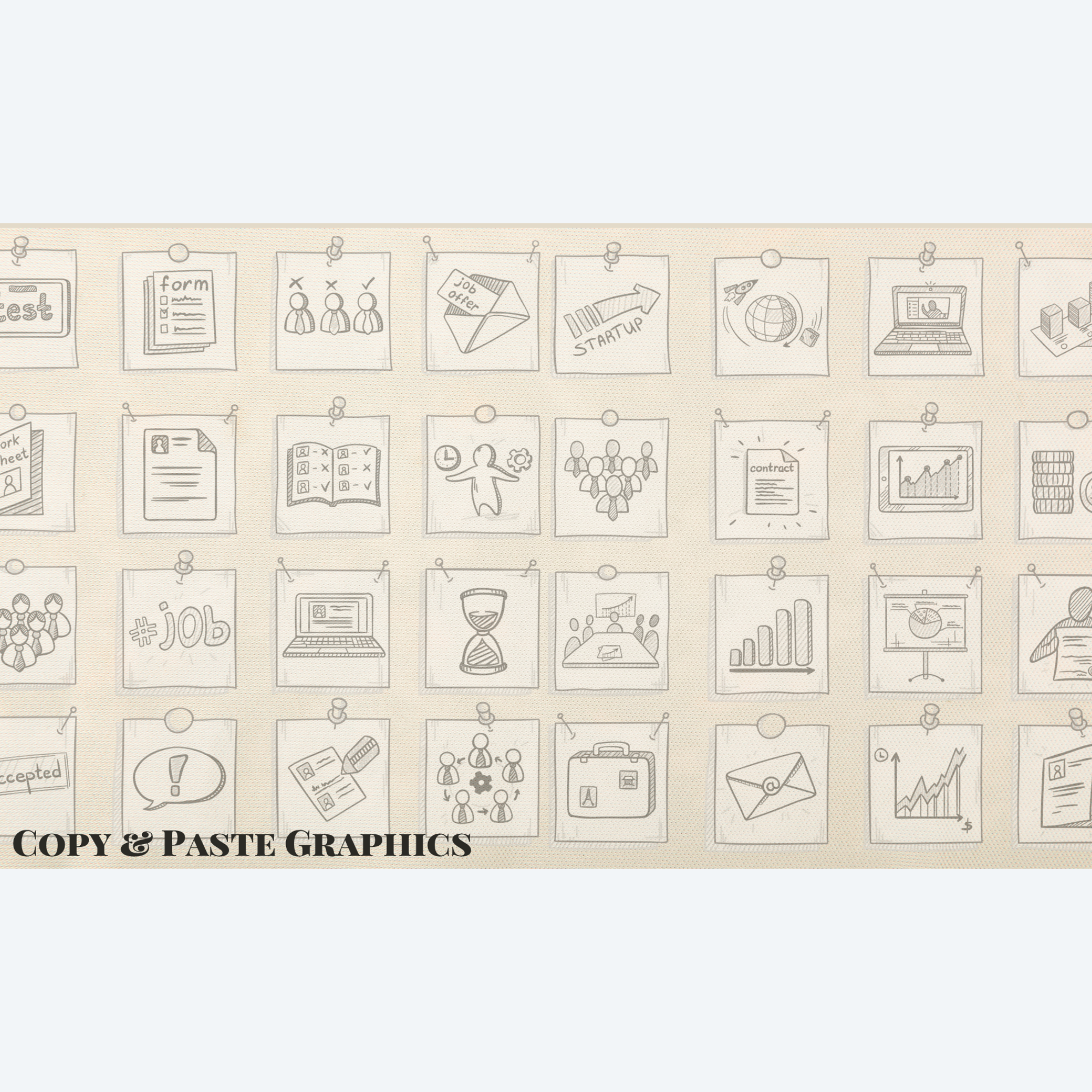
Don’t have access to stock images? At the end of this deck, you will find a hidden slide full of coordinating business sketch images that can be copied, pasted, and cropped for a consistent, well-branded look.
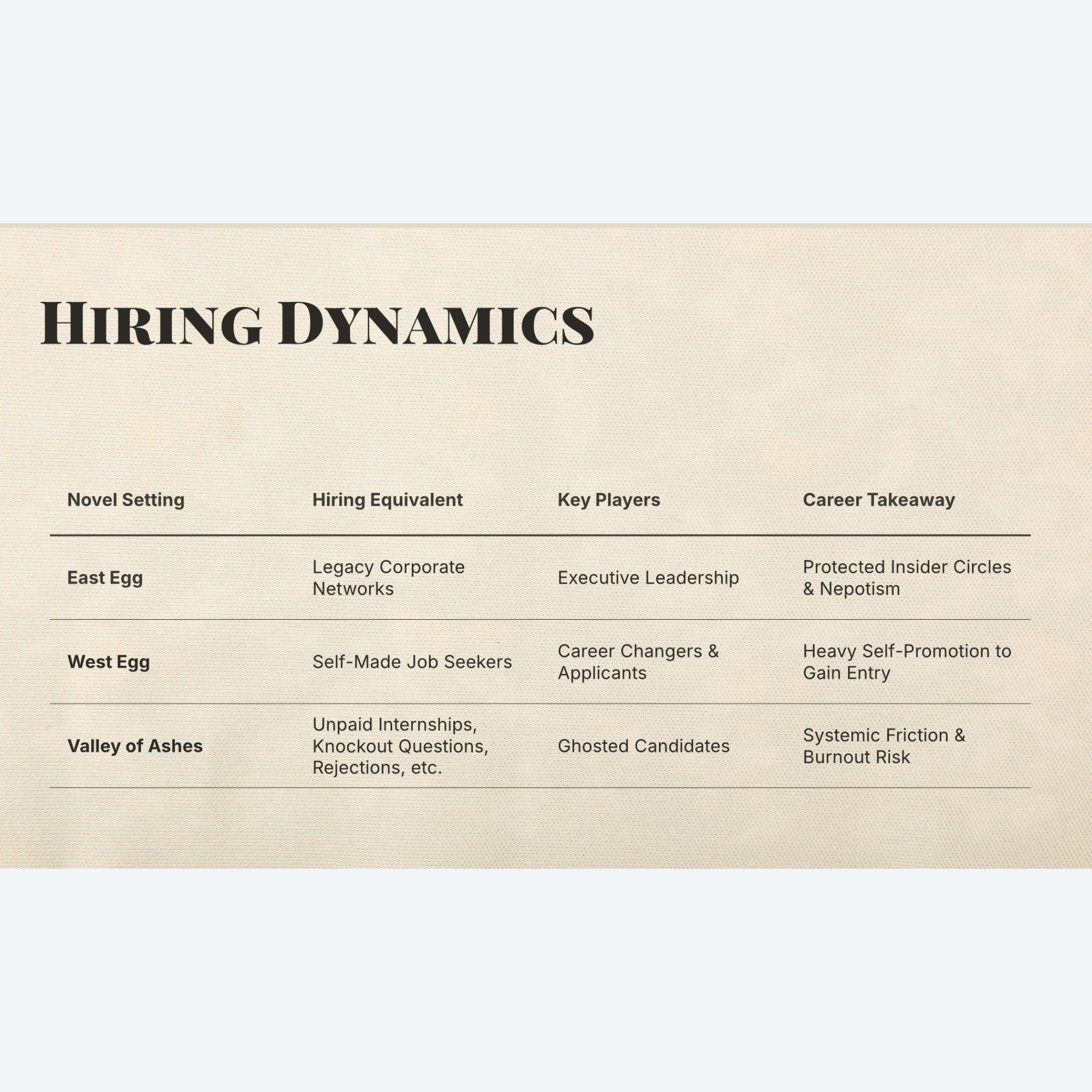
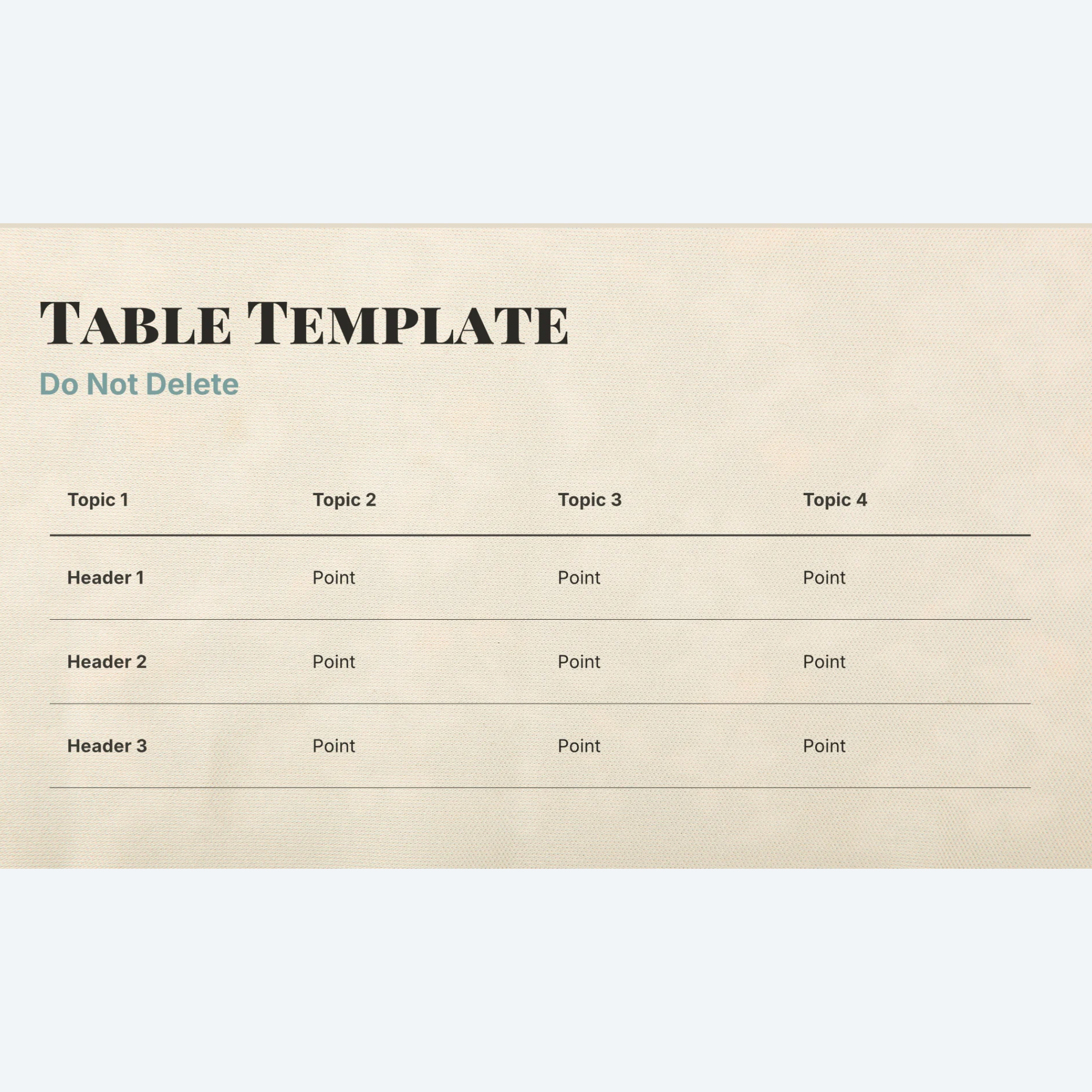
Since tables can’t be plug-and-play in a slide master design, we’ve included a pre-designed table template slide that can be duplicated and then used by typing over the placeholder text.
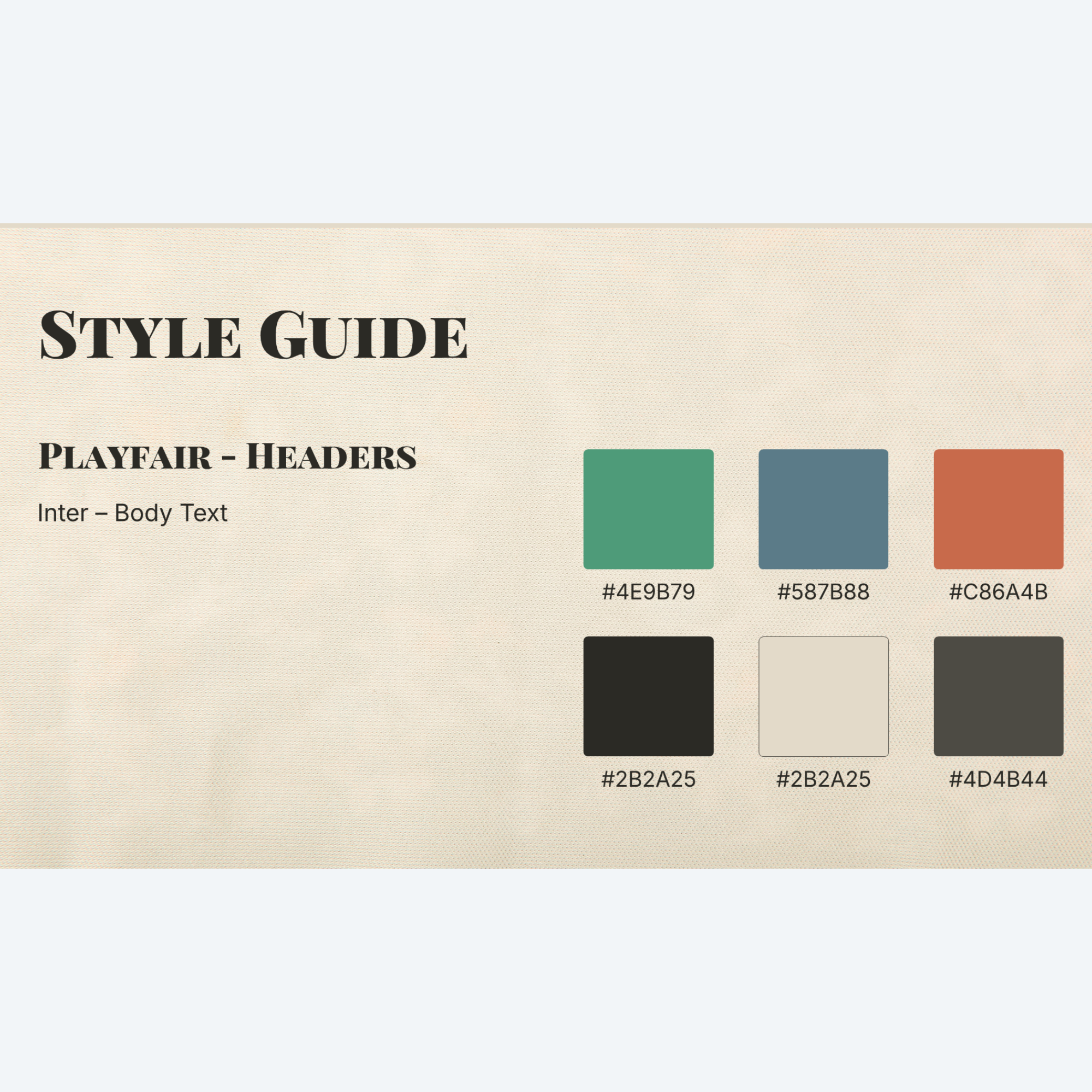
Want to adjust the design to your own visual preference? We’ve also added a style guide with the Hex values for each color option and deck fonts.
How to Use This Template
In “Normal” view, click “New Slide” and select a layout from the various options.
Click into each placeholder and type or insert your content.
Make sizing adjustments as needed.
Pro Tip: Use Crop>Fill to make images fit better into placeholders and zoom in/out to showcase the parts of the image you want to have focus.
Bring a sophisticated warmth to your next conference presentation, webinar, company update, or pitch deck with the soft, artistic aesthetic of “Sketches”. Designed with an editorial eye, this unique template combines organic hand-drawn sketch art with clean, modern typography to deliver a tactile, high-end experience for your audience.
Key features include:
35+ Layouts to Choose From: Numerous options to fit any content narrative without having to design from scratch.
15 Premium Custom Backgrounds: Built on a soft parchment background this template effortlessly showcases delicate charcoal and ink illustrations across 15 different background options.
3 Color Options: Slides are available with your choice of colors, including Graphite Espresso (brown), Jade Beacon (green), Steel Harbor (blue), or Muted Ochre (orange) elements. Mix and match for a bolder, more customized look.
Dedicated Title Slide & Contact Slide Designs: Beginning and ending slides that ground the deck and leave a lasting professional impression.
Plug-and-Play: Built using native slide master placeholders so anyone can use this template.
Optional Animations & Transitions Version: Featuring a pre-configured option with subtle, smooth animations and consistent fade transitions to keep your audience engaged, but not distracted.
Format Options: Download includes both .pptx (PowerPoint Presentation) and .potx (PowerPoint Template) formats for safe, repeated team use.
Fully Editable: Access any vector, shape, or text placeholder in the Slide Master view to completely change the element. Adjust colors, fonts, and placeholders as needed.
Extras (found at the end of the deck):
Don’t have access to stock images? At the end of this deck, you will find a hidden slide full of coordinating business sketch images that can be copied, pasted, and cropped for a consistent, well-branded look.
Since tables can’t be plug-and-play in a slide master design, we’ve included a pre-designed table template slide that can be duplicated and then used by typing over the placeholder text.
Want to adjust the design to your own visual preference? We’ve also added a style guide with the Hex values for each color option and deck fonts.
How to Use This Template
In “Normal” view, click “New Slide” and select a layout from the various options.
Click into each placeholder and type or insert your content.
Make sizing adjustments as needed.
Pro Tip: Use Crop>Fill to make images fit better into placeholders and zoom in/out to showcase the parts of the image you want to have focus.